Your counter.
Connected.
From a compact tablet to a complete POS counter, find the hardware that fits the way your shop works.
POS terminals, printers, scanners and the everyday essentials.
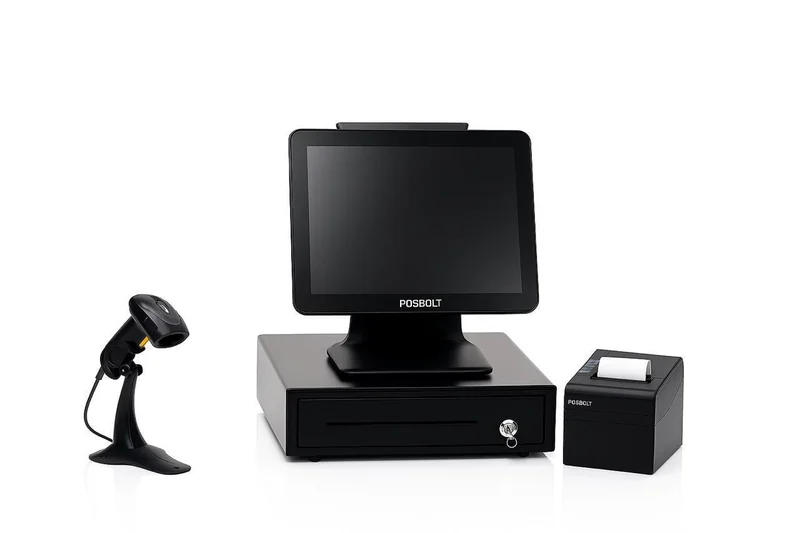
Hardware for the everyday.
Compare hardware types and how they connect. Have a device already? Share its model with our team to check your setup.
POS terminals
Choose a touchscreen counter or a tablet setup for your team.
| Hardware | Made for your shop | Connection & setup |
|---|---|---|
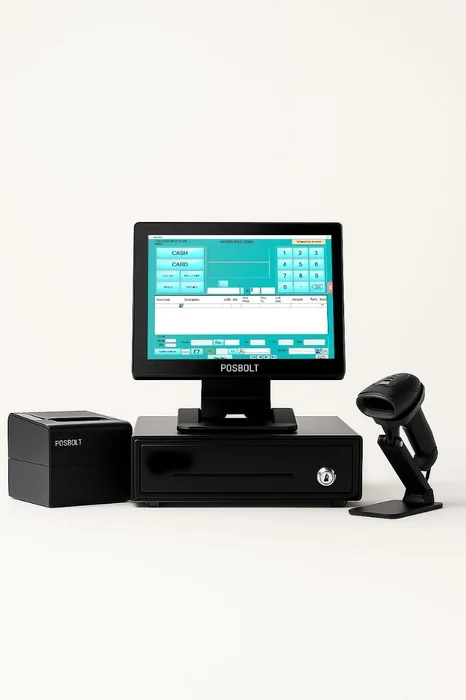 Desktop POS
Touchscreen POS terminal |
A dedicated touchscreen for sales, orders and everyday shop operations in the Bloomlytix web portal. Typical setups include 15-inch displays, Intel Core i5 processors, 4–8 GB RAM and SSD storage. |
Windows · Web browser Connect compatible peripherals and use Bloomlytix Printer for direct receipt printing. |
|
POS bundle
Complete counter setup |
Bring your terminal, receipt printer, barcode scanner and cash storage together at one checkout. Counter setups include ICE and POSBOLT-style systems. Each peripheral follows its own connection requirements. |
Windows · USB peripherals Use a current browser and the desktop printer app. Cash drawers can be operated manually. |
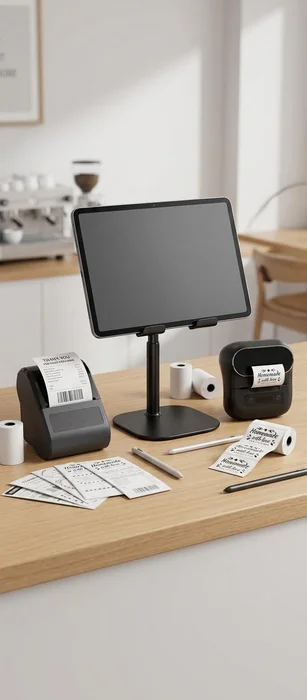 Tablet POS
Android tablet POS |
A compact counter for sales, inventory and staff workflows through Bloomlytix Business Manager. Pair an Android tablet with a stable stand and compatible Bluetooth printers. |
Android · Wi-Fi · Bluetooth Install Business Manager on a supported Android device and sign in with your business account. |
Receipt & label printers
Print receipts at checkout and QR labels for your stock and collections.
| Hardware | Made for your shop | Connection & setup |
|---|---|---|
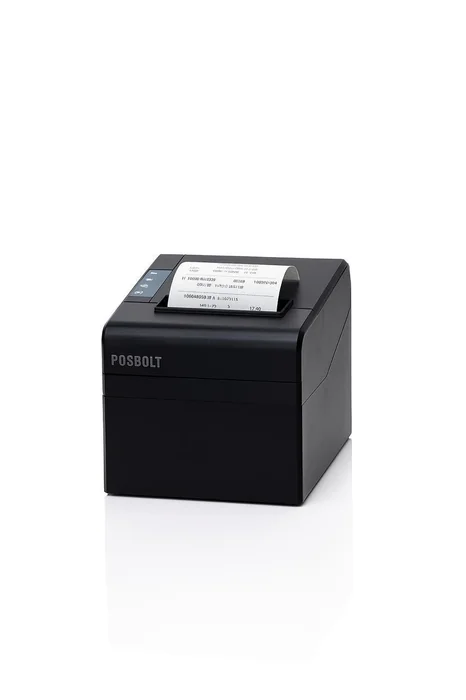 Receipt printing
Desktop thermal receipt printer |
Print saved sales receipts directly from the POS terminal or Sales History. ESC/POS-compatible models with 58 mm or 80 mm paper. Select the loaded paper width in the printer app. |
USB · Mac or Windows Use Bloomlytix Printer. On Windows, install the manufacturer’s USB driver when required. |
 Receipt printing
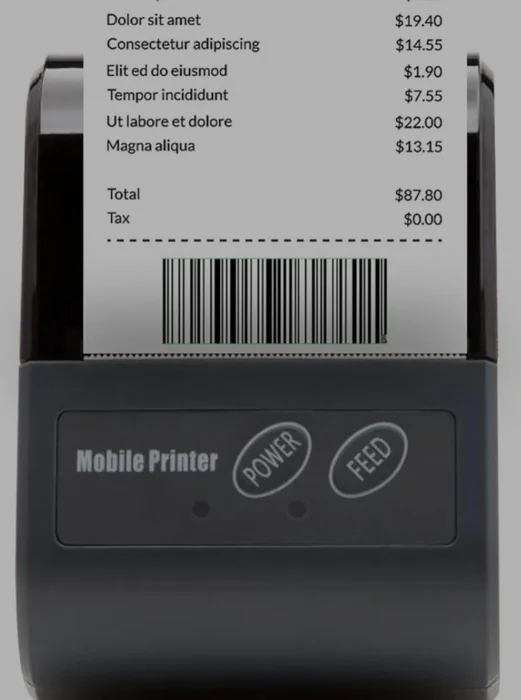
Portable Bluetooth receipt printer |
Keep receipt printing close to your tablet or use a wireless connection at the counter. Compatible ESC/POS Bluetooth models, including compact 58 mm formats. The printer must expose a supported printing channel. |
Bluetooth · Compatible devices Choose Bluetooth as the active receipt connection in the desktop app, or pair a supported printer in Business Manager. |
 Product labels
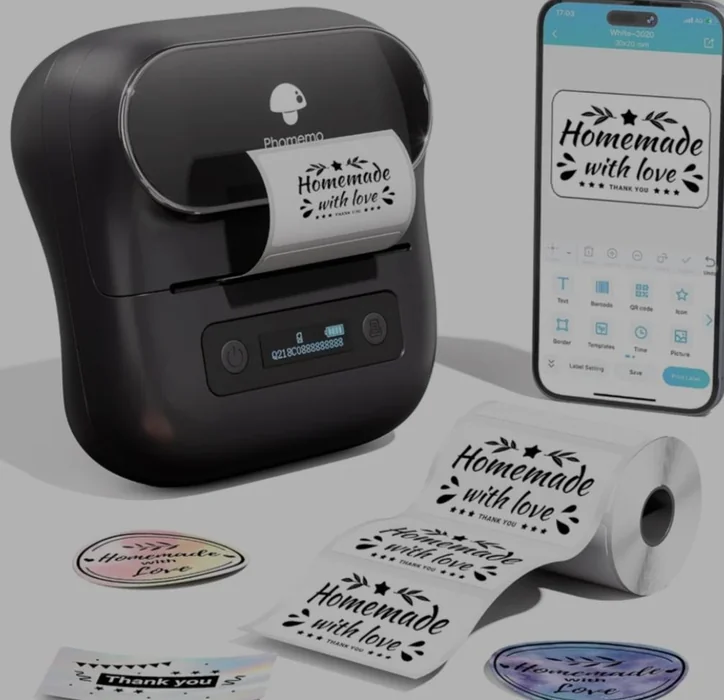
Bluetooth QR label printer |
Print item names and QR codes for stock and collections, ready for your team to scan. The verified Q192 setup uses 40 × 30 mm labels. Other label printers need a compatible label protocol. |
Bluetooth · Label printing Save a compatible label printer separately from your receipt printer in Bloomlytix Printer or the staff app. |
Scanners & counter accessories
Make the small details of your daily checkout easier.
| Hardware | Made for your shop | Connection & setup |
|---|---|---|
 Scanning
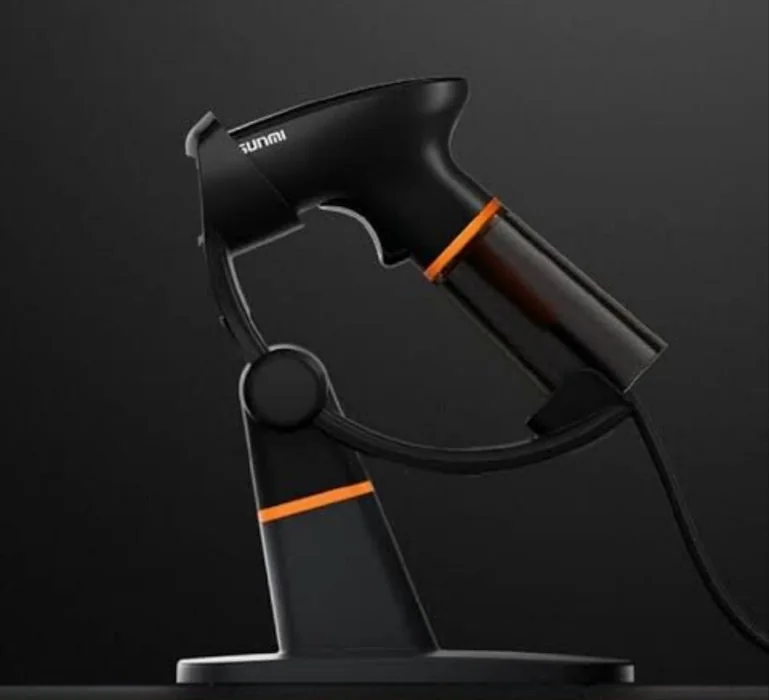
Handheld barcode & QR scanner |
Enter item codes quickly at the counter with a compatible handheld scanner. Choose a 2D model for both barcodes and QR codes. A stand helps keep your counter organised. |
USB · Keyboard input mode Use a scanner that sends scanned codes as keyboard input, with the relevant scan or search field focused. |
 Scanning
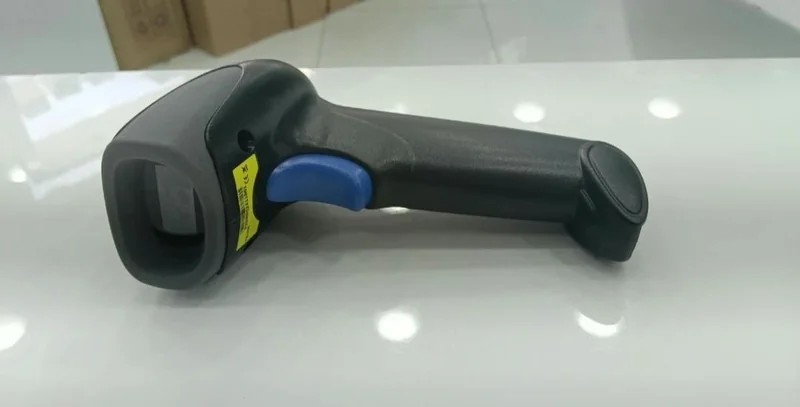
Wireless barcode & QR scanner |
Scan items with more freedom around the counter or while handling larger products. Wireless 2D scanners can use a USB receiver or a compatible keyboard connection. |
Wireless · USB receiver Pair the scanner with its receiver and configure keyboard input mode for your POS device. |
 Counter accessory
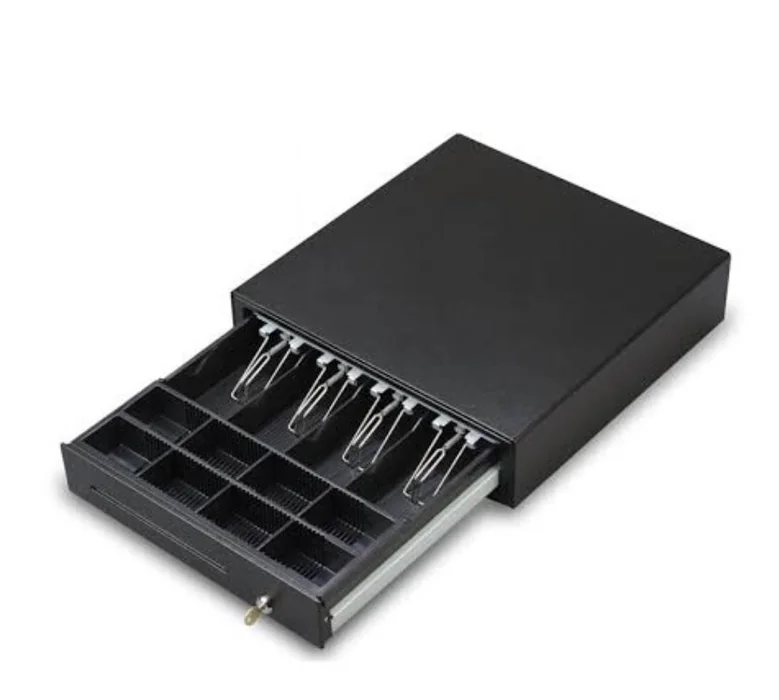
Cash drawer |
Keep notes and coins organised alongside your POS terminal. Standard metal cash drawers, including the P-4141 style, suit fixed counter setups. |
Manual operation Use the drawer’s manual opening mechanism. Automatic drawer opening is not enabled by Bloomlytix Printer. |
 Counter accessory
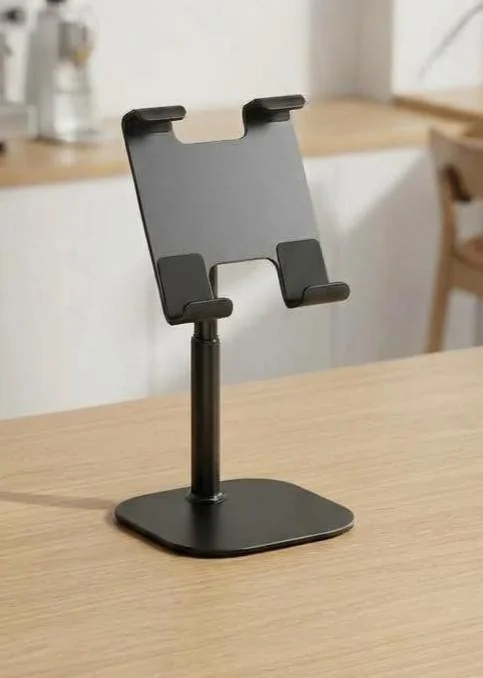
Adjustable tablet stand |
Keep your tablet stable and position the screen comfortably for staff. Choose an adjustable stand that fits your tablet’s dimensions, weight and charging access. |
No software connection Set the height and viewing angle, secure the tablet and keep charging cables clear. |
Photos illustrate the hardware types. Compatibility depends on the model, operating system and connection. Receipt printers need ESC/POS support; label printers need a supported label protocol.
Bring your counter together.
Tell us what you have, or what you need. We’ll help you choose the right connections for your shop.
Ask about your hardwareChoose your POS device
Use the web portal on your counter computer or Business Manager on a supported Android tablet.
Connect your peripherals
Select your receipt printer, save a separate label printer and set up your scanner.
Run a quick test
Print a receipt and label, then scan an item before your team starts serving customers.